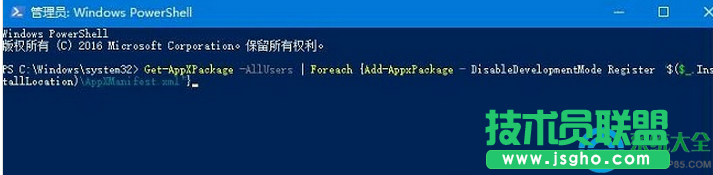
windows hello閃退該怎么辦
2016-11-043lian8 的分享 加三聯MM小編微信好友:sanlian2018
windows hello閃退該怎么辦
方法:
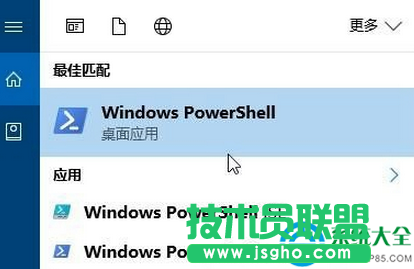
1、在搜索框中搜索“Windows Powershell”;

2、在“Windows Powershell”上單擊右鍵,選擇“以管理員身份運行”;
3、在彈出的框中輸入:Get-AppXPackage -AllUsers | Foreach {Add-AppxPackage -
DisableDevelopmentMode Register “$($_.InstallLocation)AppXManifest.xml”} 按下回車鍵,等待系統自動修復,完成后重啟計算機即可解決!