
最近項目上需要用Vue用來做app,在Vue中使用路由時遇到下面的問題。
路由設置如下:
{ path:'/tab', component:Tab, children:[{ path:'layoutList', name:'LayoutList', component:LayoutList },{ path:'layoutView/:layoutId', name:'LayoutView', component:LayoutView },{ path:'layoutDetail/:viewId', name:'LayoutDetail', component:LayoutDetail }] }
其中/tab是根地址,有3個子地址,3個子地址層級為:LayoutList => LayoutView => LayoutDetail
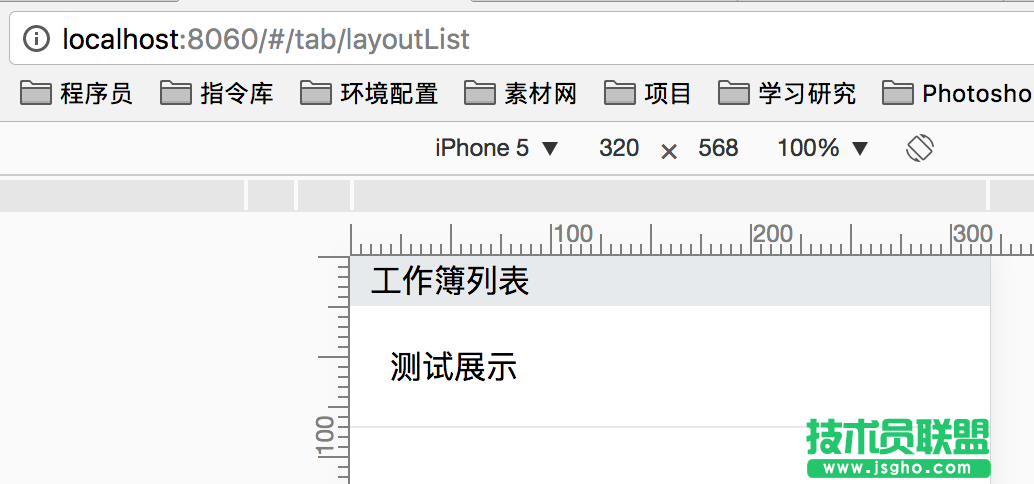
正常情況:假設當前路由為/tab/layoutList,需要跳轉(zhuǎn)到LayoutView頁面,可以通過router.push({path:'layoutView/'+item.id})
跳轉(zhuǎn)后的路由為/tab/layoutView/1
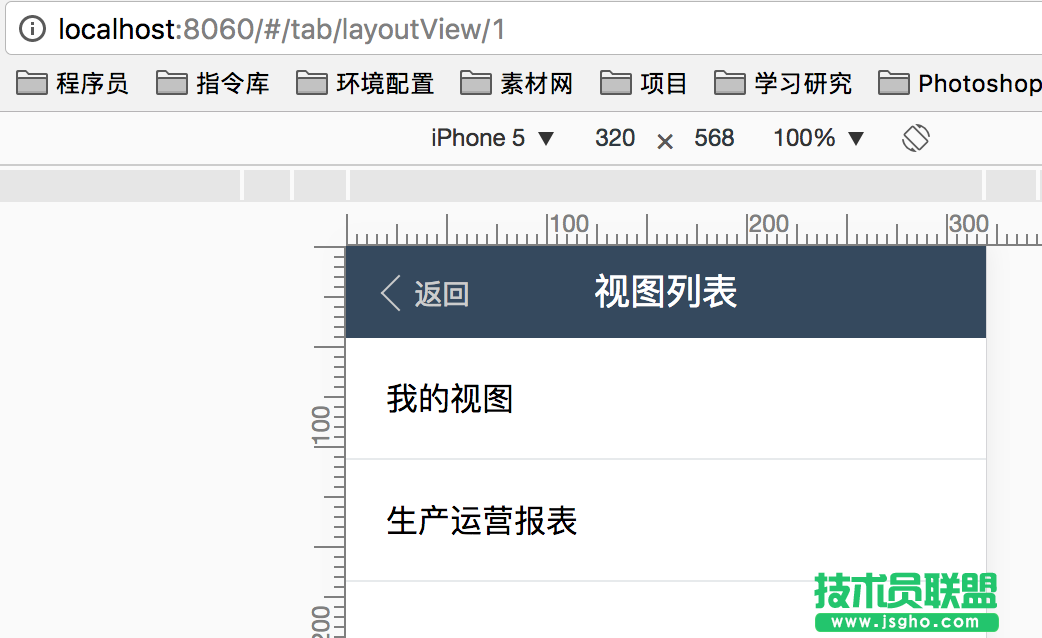
當我想從LayoutView頁面跳轉(zhuǎn)到對應的LayoutDetail頁面時:
情況一:(找不到頁面)
跳轉(zhuǎn)前地址:/tab/layoutView/1
跳轉(zhuǎn)代碼:router.push({path:'layoutDetail/'+item.id});
跳轉(zhuǎn)后地址:/tab/layoutView/layoutDetail/27
情況二:(找不到頁面)
跳轉(zhuǎn)前地址:/tab/layoutView/1
跳轉(zhuǎn)代碼:router.push({path:'/layoutDetail/'+item.id});
跳轉(zhuǎn)后地址:/layoutDetail/27
情況三:(找不到頁面)
跳轉(zhuǎn)前地址:/tab/layoutView/1
跳轉(zhuǎn)代碼:router.push({path:'tab/layoutDetail/'+item.id});
跳轉(zhuǎn)后地址:/tab/layoutView/tab/layoutDetail/27
情況四:(頁面正常顯示)
跳轉(zhuǎn)前地址:/tab/layoutView/1
跳轉(zhuǎn)代碼:router.push({path:'/tab/layoutDetail/'+item.id});
跳轉(zhuǎn)后地址:/tab/layoutDetail/27
只有按照情況四的操作,才能正常顯示出來頁面。
vue路由會根據(jù)push的地址,如果地址不是/開頭,會直接替換當前路由的最后一個/后的地址,
如果地址是/開頭,會以push的地址作為絕對地址進行跳轉(zhuǎn)。
另外我嘗試還使用router.go({name:'LayoutDetail',params:{viewId:item.id}}),頁面不會跳轉(zhuǎn)且地址也不會改變。