
最近在開發項目的時候,有一個需求是展示歷史搜索記錄 ,展示的樣式是流式布局(就是根據內容自動換行)。在網上看到了一個不錯的類庫跟大家分享一下
首先在AndroidStudio簡歷一個工程項目導入module類庫,我會把項目demo方法GitHub上
說一下demo中的實現方式
在 activity_main.xml中
<?xml version="1.0" encoding="utf-8"?> <LinearLayout xmlns:android="" xmlns:app="" xmlns:tools="" android:id="@+id/activity_main" android:layout_width="match_parent" android:layout_height="match_parent" android:orientation="vertical"> <EditText android:id="@+id/edt" android:layout_width="match_parent" android:layout_height="wrap_content" /> <Button android:id="@+id/btn" android:layout_width="wrap_content" android:layout_height="wrap_content" android:text="確定" /> <ScrollView android:layout_width="match_parent" android:layout_height="match_parent"> <com.zhy.view.flowlayout.TagFlowLayout android:id="@+id/id_flowlayout" android:layout_width="fill_parent" android:layout_height="wrap_content" app:max_select="-1" /> </ScrollView> </LinearLayout>
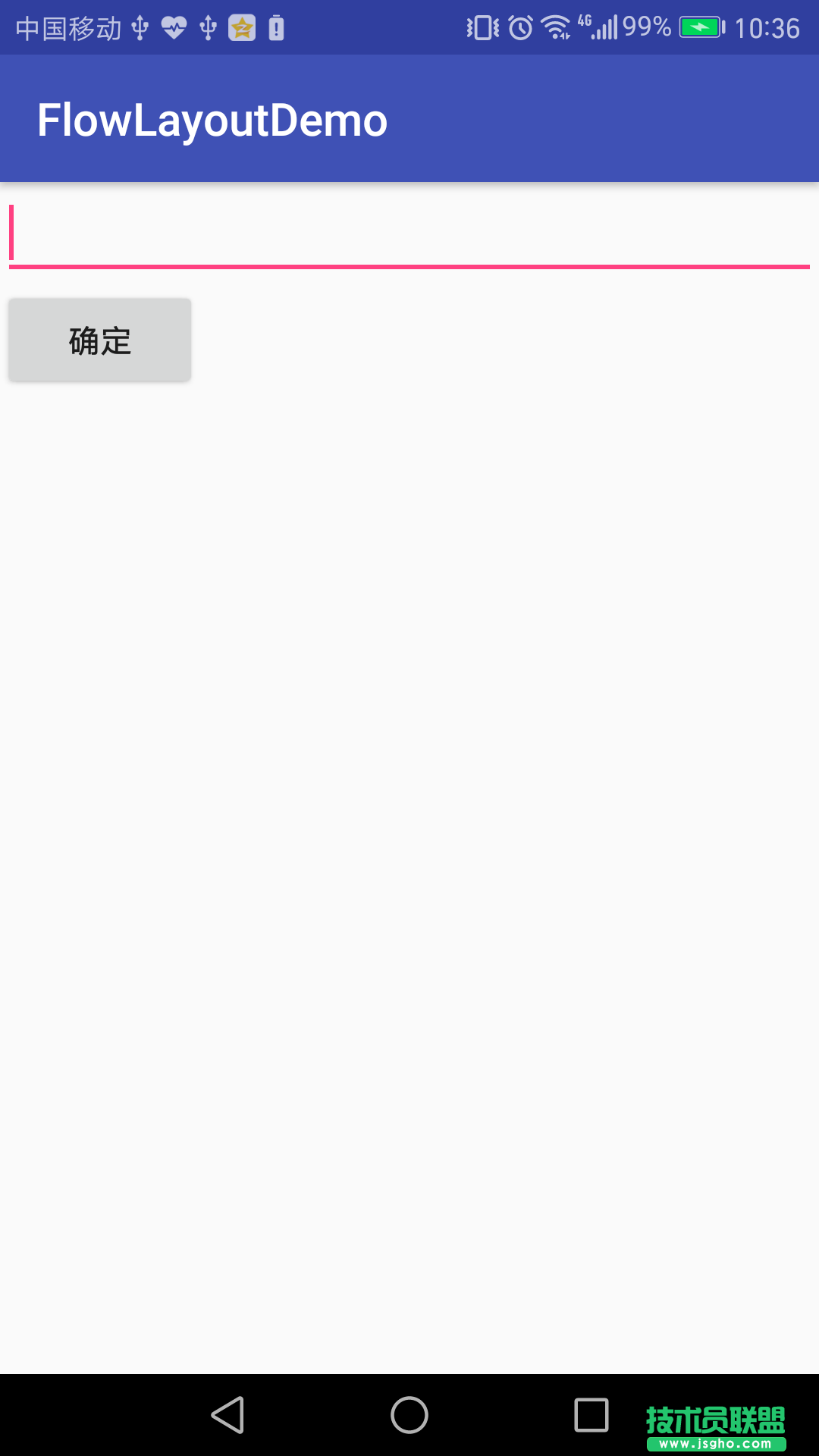
實現模擬搜索效果圖
MainActivity.Java 代碼
public class MainActivity extends AppCompatActivity { private TagFlowLayout mFlowLayout; private EditText editText; private Button button; private List<String> strings; //布局管理器 private LayoutInflater mInflater; //流式布局的子布局 private TextView tv; public Handler handler = new Handler() { @Override public void handleMessage(Message msg) { switch (msg.what) { case 1: mFlowLayout.setAdapter(new TagAdapter<String>(strings) { @Override public View getView(FlowLayout parent, int position, String s) { tv = (TextView) mInflater.inflate(R.layout.tv, mFlowLayout, false); tv.setText(s); return tv; } }); break; } super.handleMessage(msg); } }; @Override protected void onCreate(Bundle savedInstanceState) { super.onCreate(savedInstanceState); setContentView(R.layout.activity_main); mInflater = LayoutInflater.from(this); mFlowLayout = (TagFlowLayout) findViewById(R.id.id_flowlayout); editText = (EditText) findViewById(R.id.edt); button = (Button) findViewById(R.id.btn); strings = new ArrayList<>(); button.setOnClickListener(new View.OnClickListener() { @Override public void onClick(View v) { String aa = editText.getText().toString().trim(); strings.add(aa); //通知handler更新UI handler.sendEmptyMessageDelayed(1, 0); } }); //流式布局tag的點擊方法 mFlowLayout.setOnTagClickListener(new TagFlowLayout.OnTagClickListener() { @Override public boolean onTagClick(View view, int position, FlowLayout parent) { Toast.makeText(MainActivity.this, tv.getText(), Toast.LENGTH_SHORT).show(); return true; } }); }
當我們點擊確定按鈕的時候,通知handler 去更新UI界面
效果圖如下:
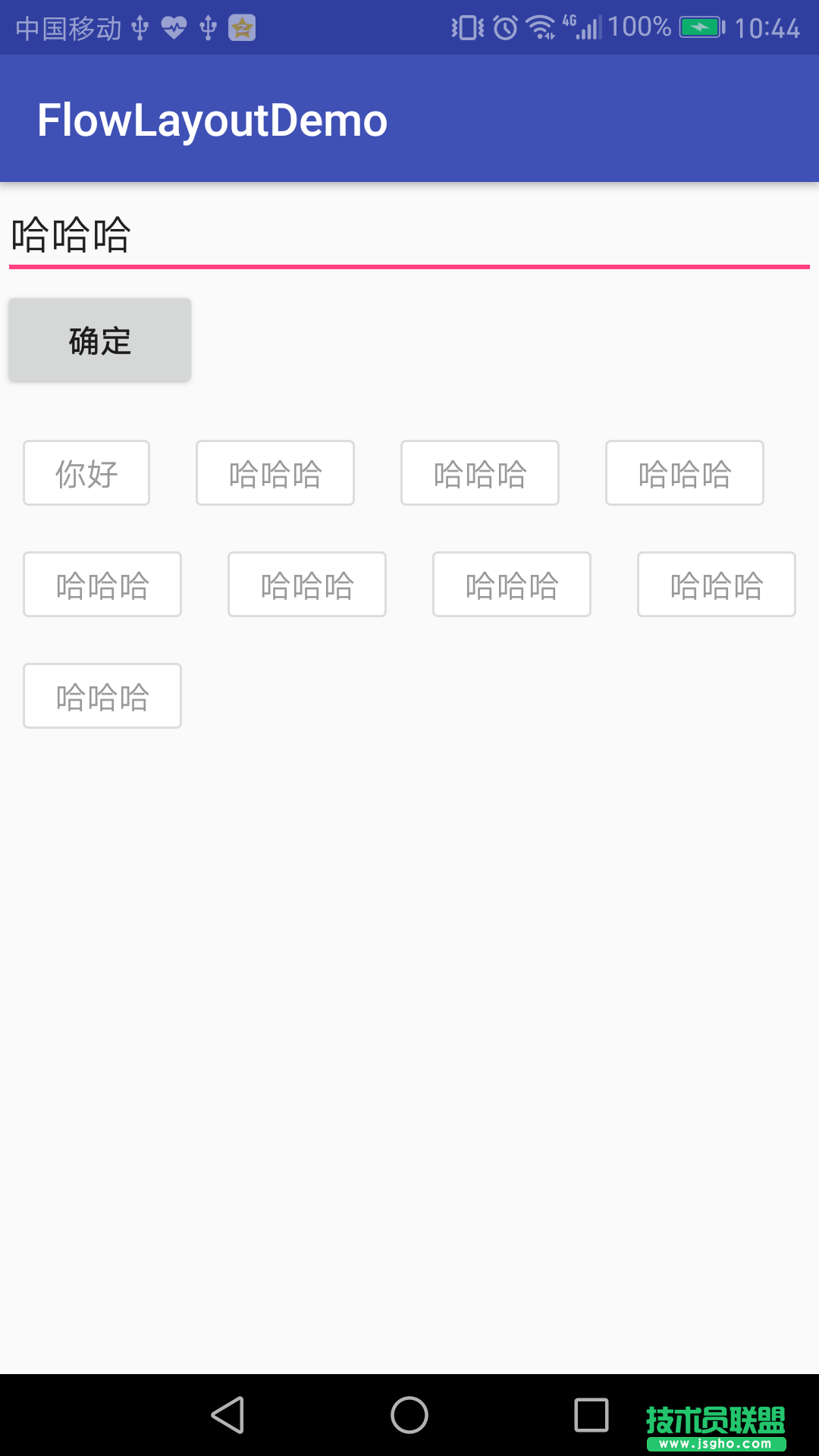
這樣就實現了一個簡單的流式布局歷史搜索記錄
GitHub地址:https://github.com/zhangliyong114/FlowLayoutDemo